
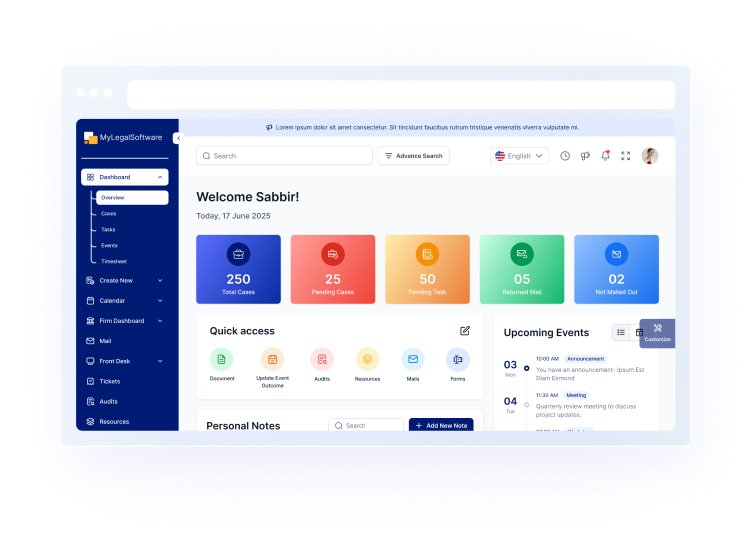
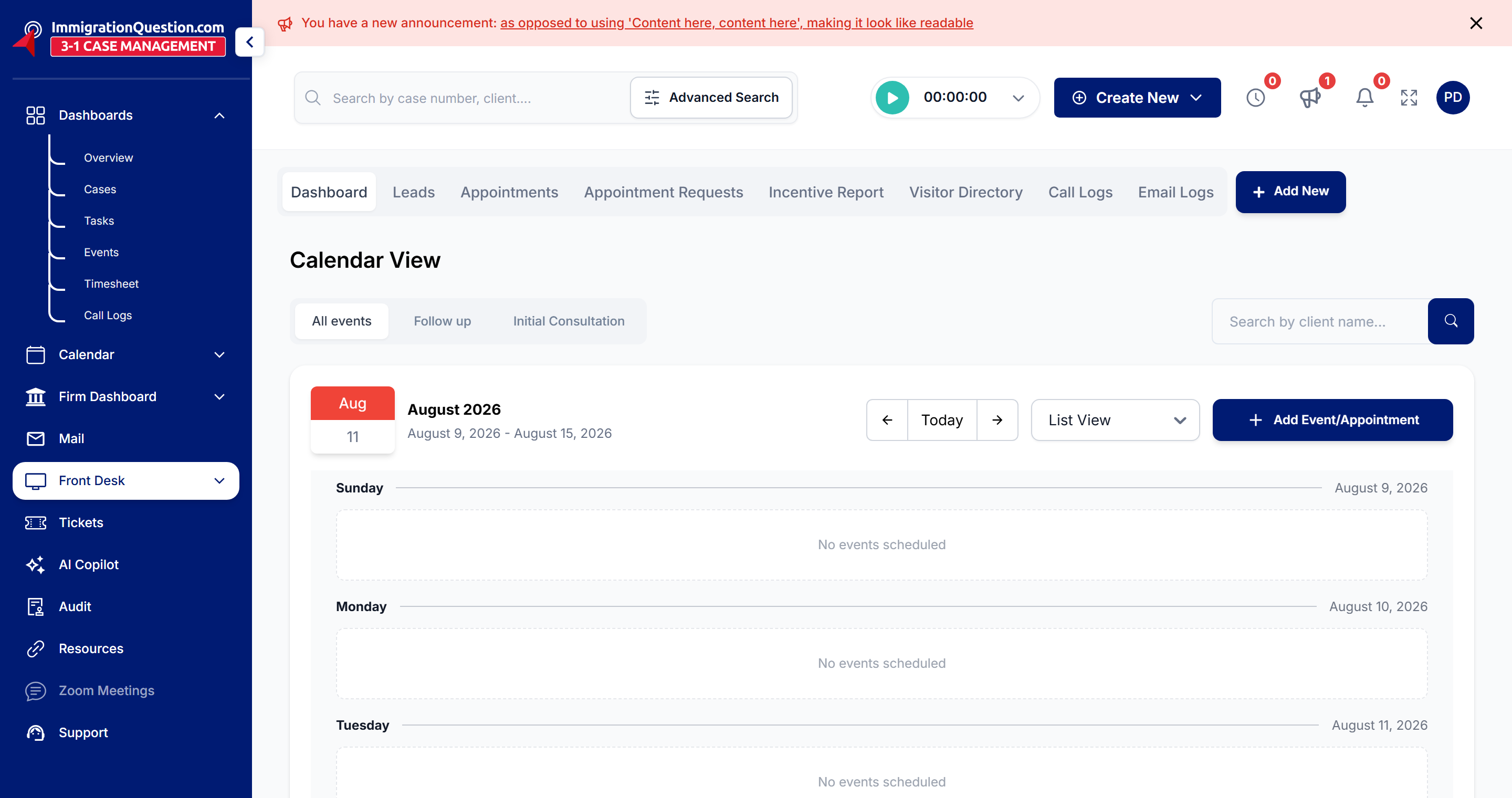
 Front DeskReceptionists, intake coordinators and anyone who answers the phone, books appointments or takes a new enquiry.Open this course
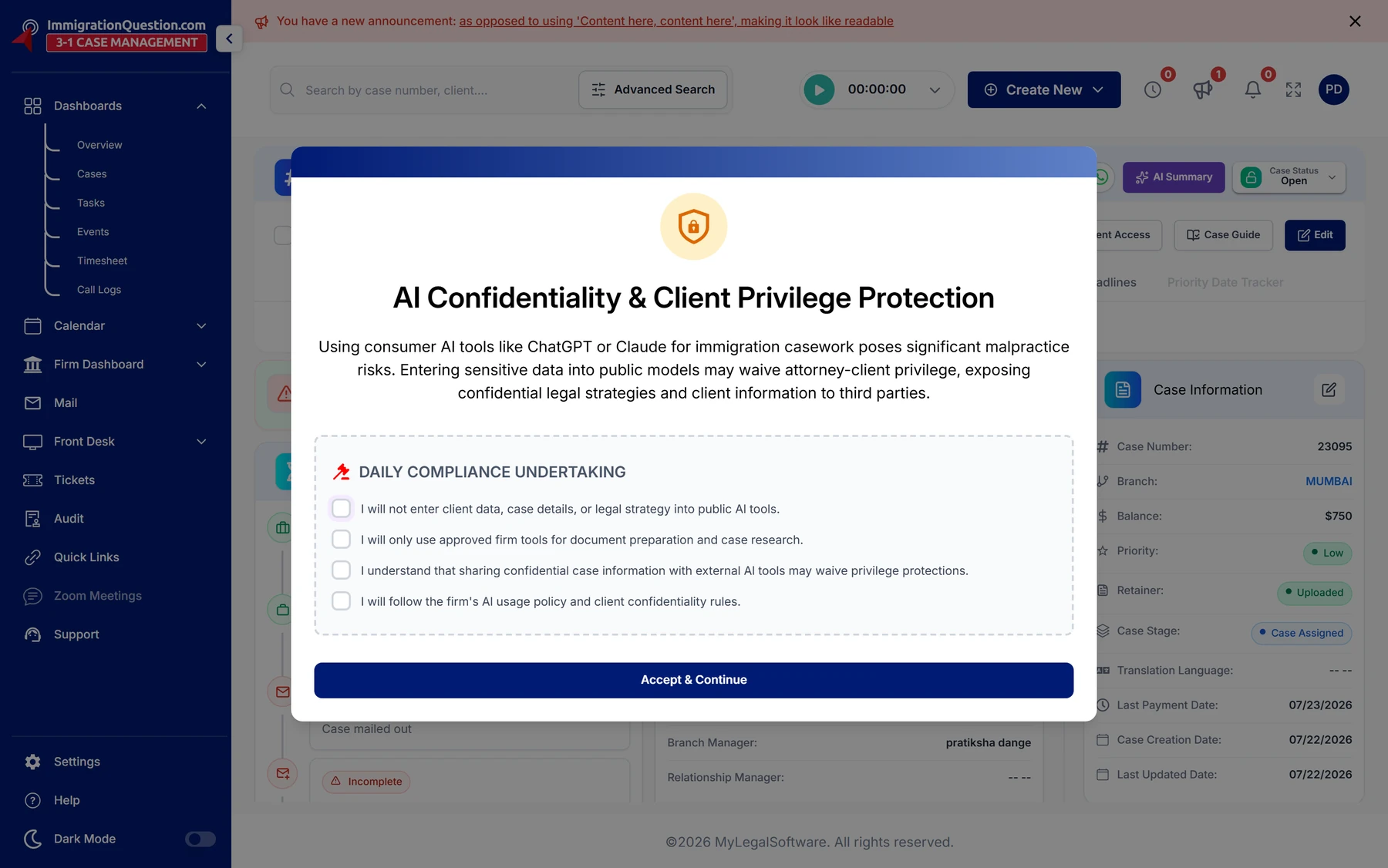 Case WorkerParalegals and case workers who run case files day to day.Open this course
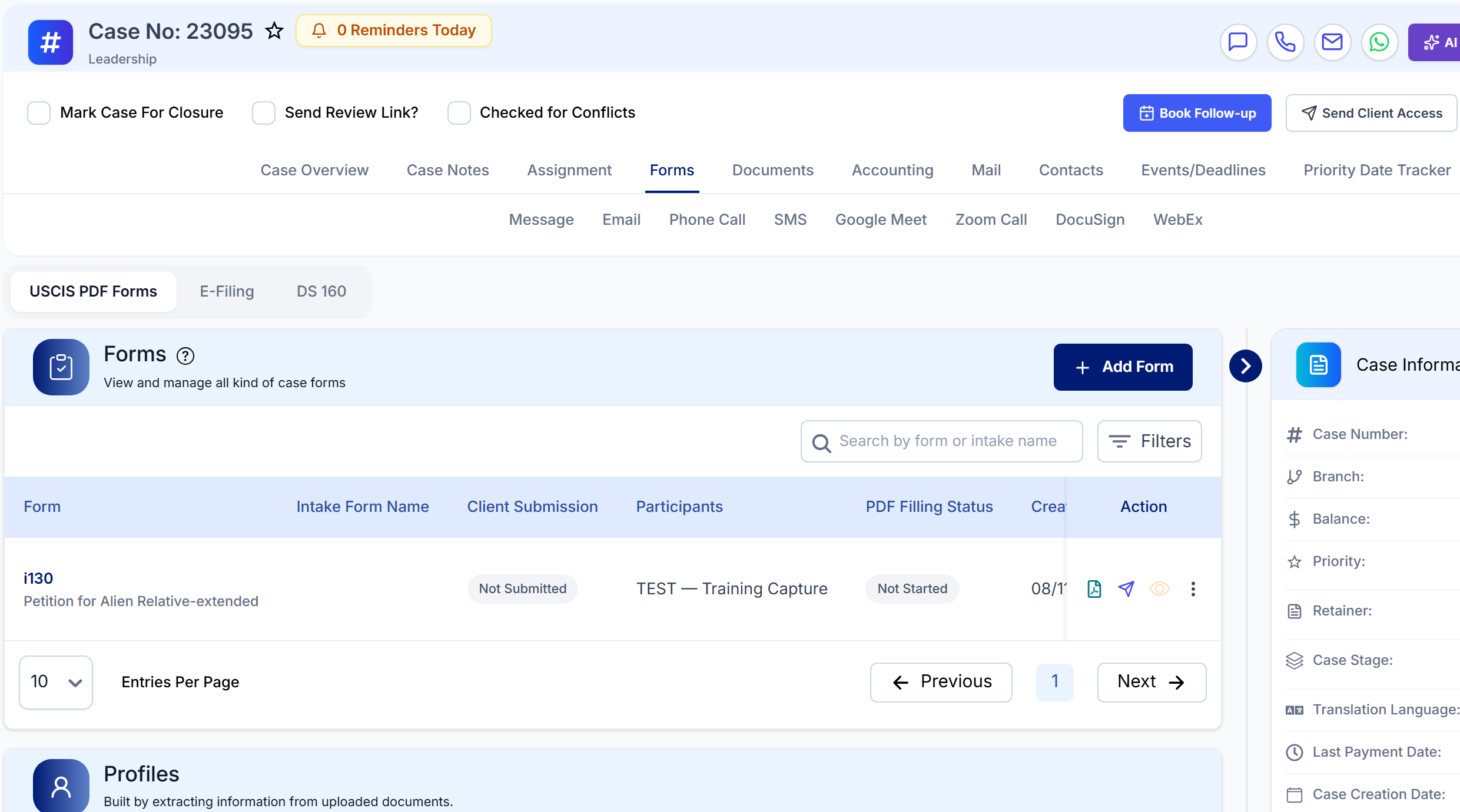 AttorneyAttorneys who review, sign off and file.Open this course
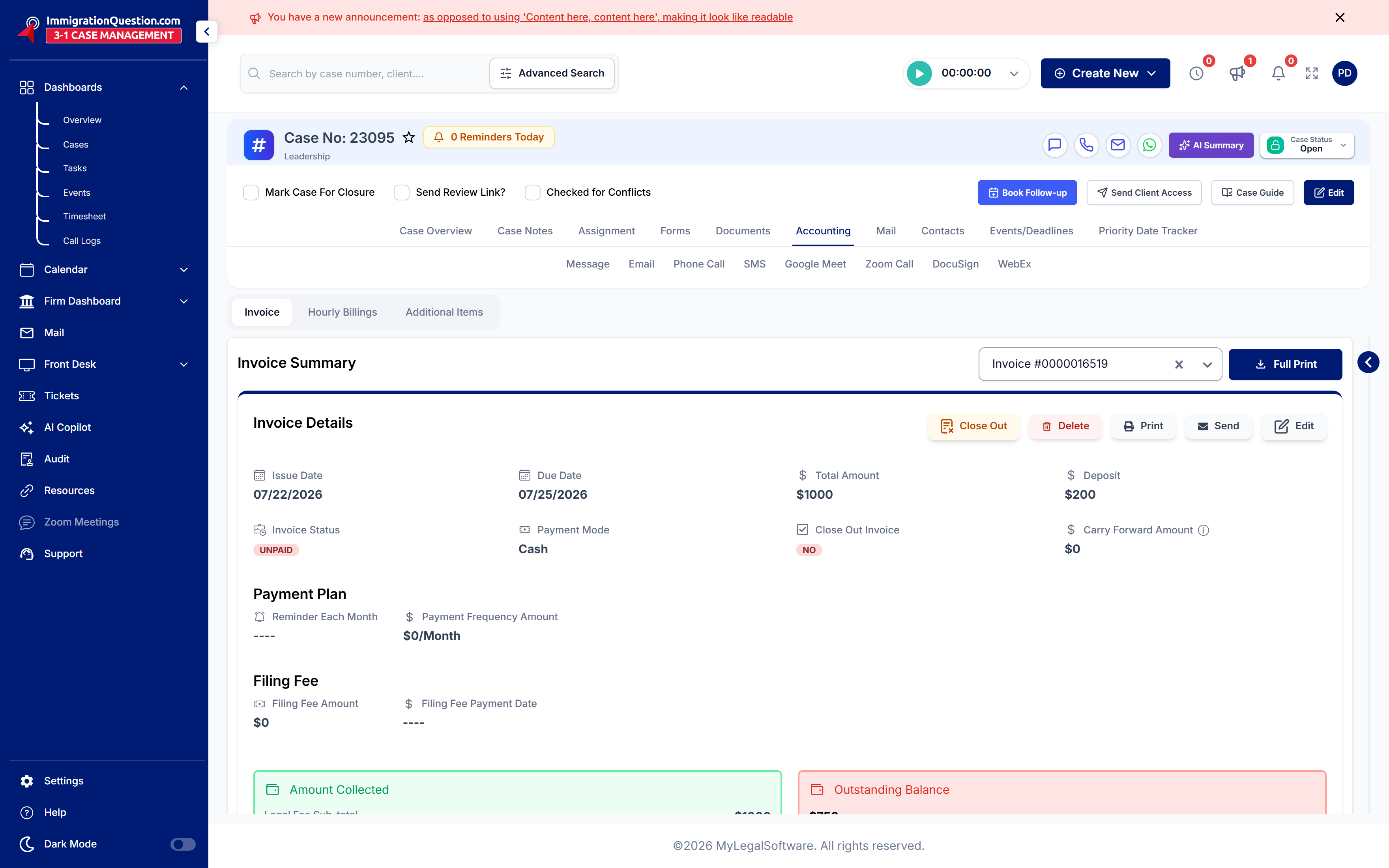 AccountingAnyone who raises invoices, takes payment, or chases what the firm is owed.Open this course
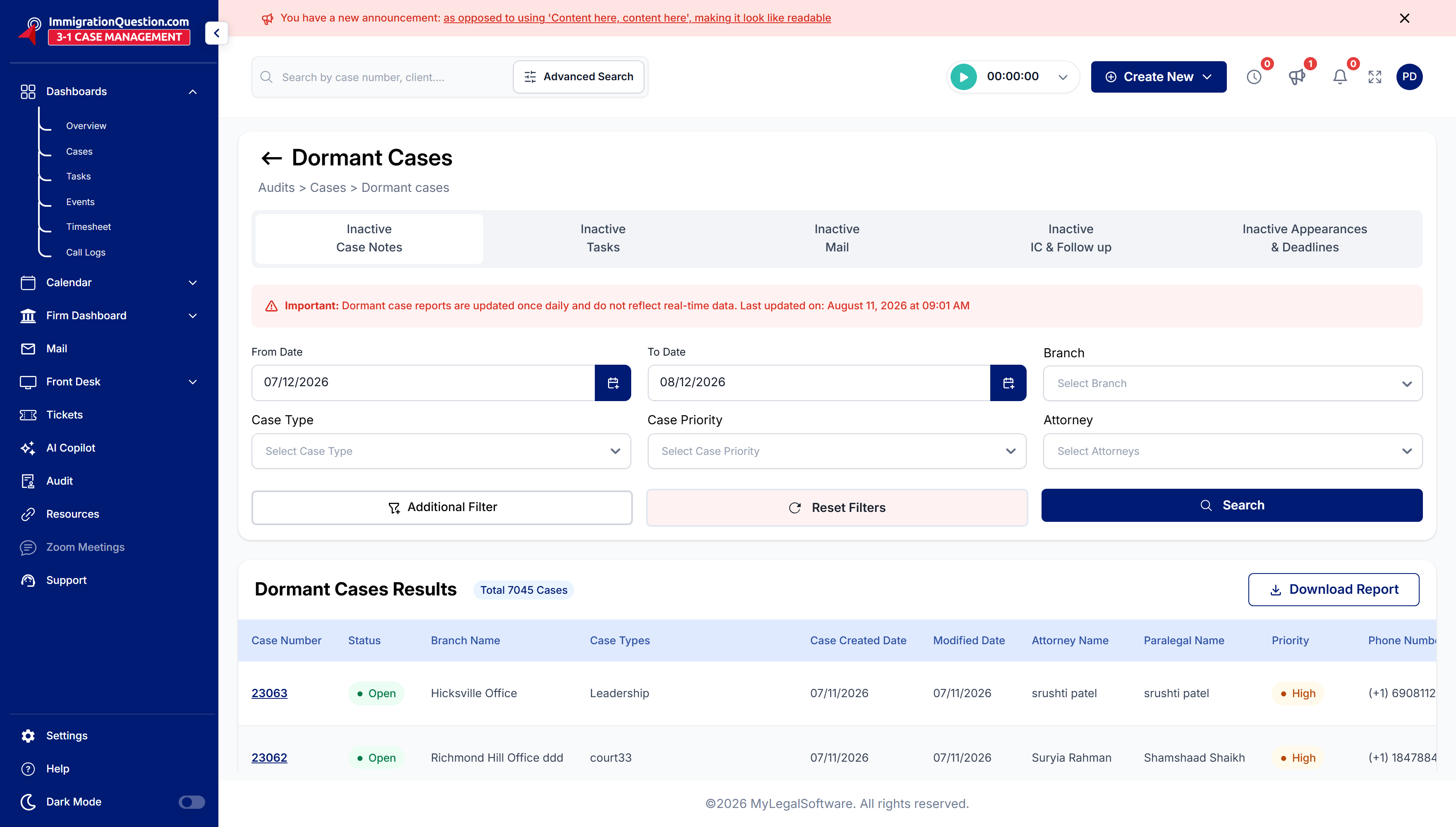 AuditorAuditors, branch managers and office managers who check that nothing across the firm has been missed.Open this course
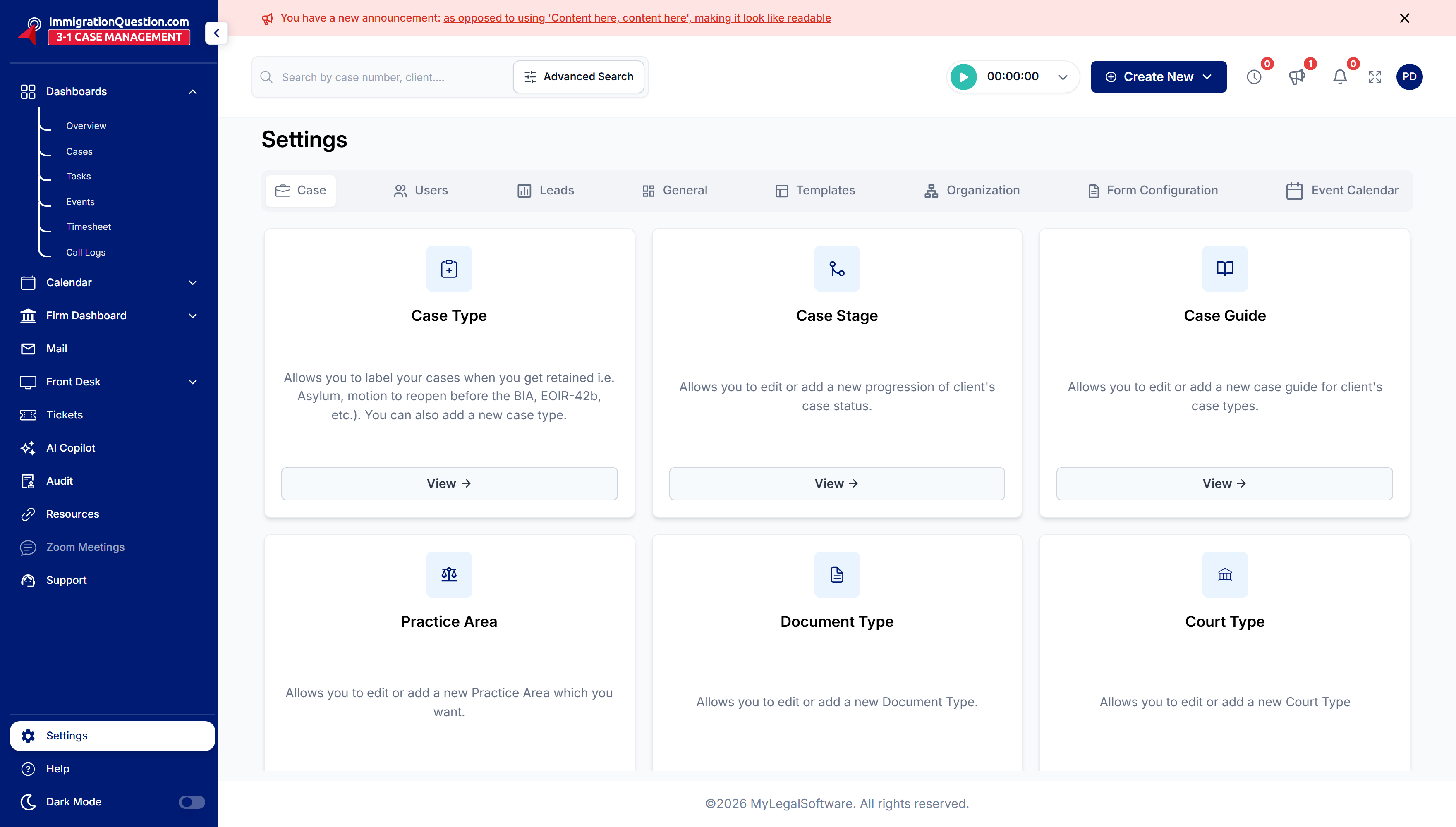 Firm AdministratorSuper admins who set MyLS up for the firm.Open this course